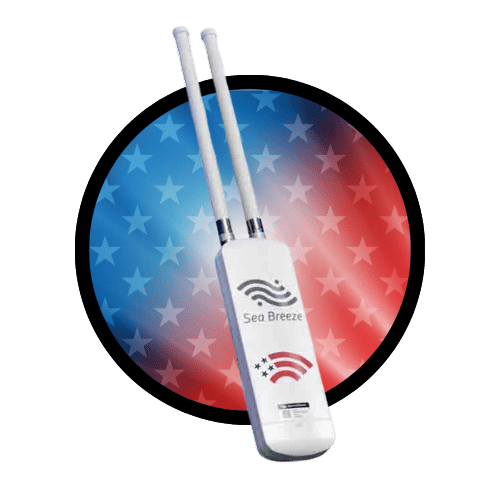
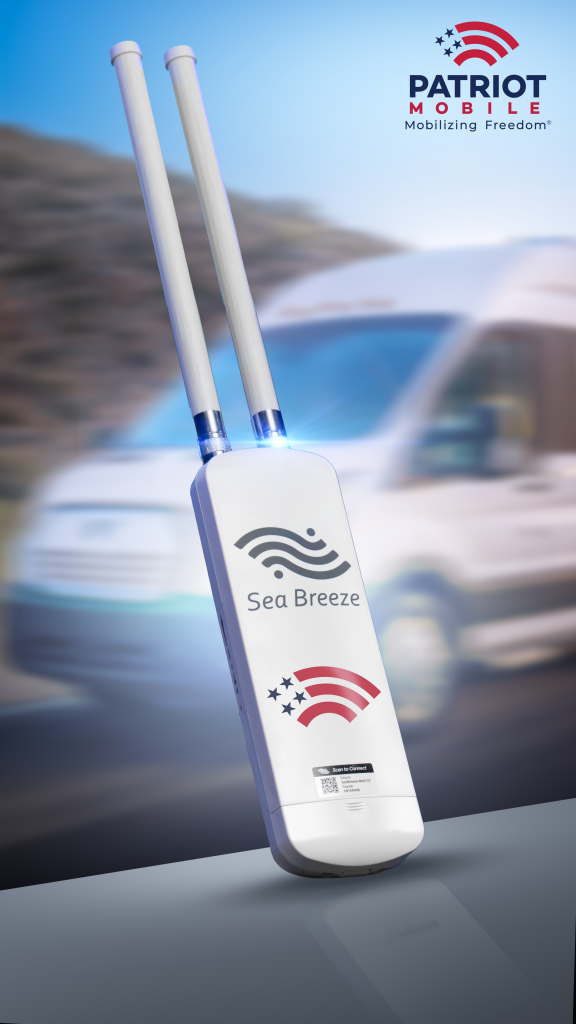
The Patriot SeaBreeze-VW provides everything you need for streaming, Wi-Fi calling, web browsing, email, social media, and more, both onshore and offshore. It offers a connection range twice that of your mobile phone and supports up to 16 devices. Powered by vSIM, it automatically connects to the strongest signal across multiple nationwide networks, delivering average speeds of 30-45 Mbps with its CAT7/CAT13 LTE modem and high-power antennas.
Keep your family connected as you are exploring the countryside, rolling down the road in your motorhome.
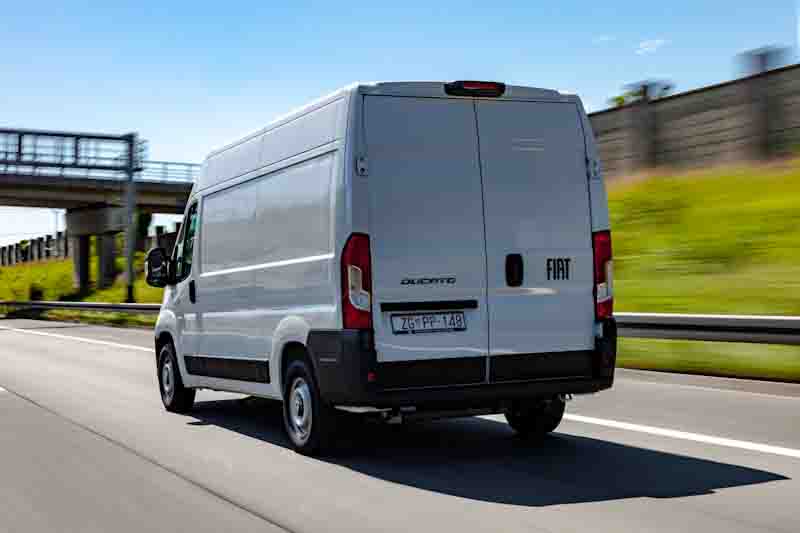
commercIal Van Fleets
Make sure your fleet connected as they travel from job to job, ensuring they can stay productive on the go.
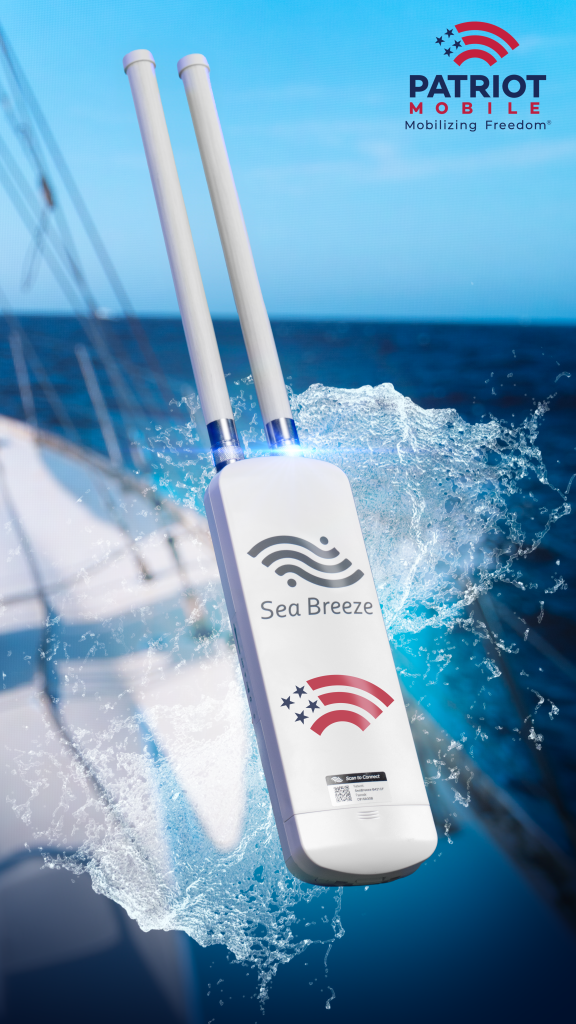
offshore adventures
Stay connected up to 20 miles off the coast for endless maritime adventures.
The Patriot Mobile SeaBreeze
The Patriot SeaBreeze-VW provides everything you need for streaming, Wi-Fi calling, web browsing, email, social media, and more, both onshore and offshore. It offers a connection range twice that of your mobile phone and supports up to 16 devices. Powered by vSIM, it automatically connects to the strongest signal from any major carrier, delivering speeds up to 300 Mbit/sec with its CAT7/CAT13 LTE modem and high-power antennas.
Setting Up The Patriot SeaBreeze
Call 972-PATRIOT To Activate
1
Unbox the Patriot SeaBreeze.
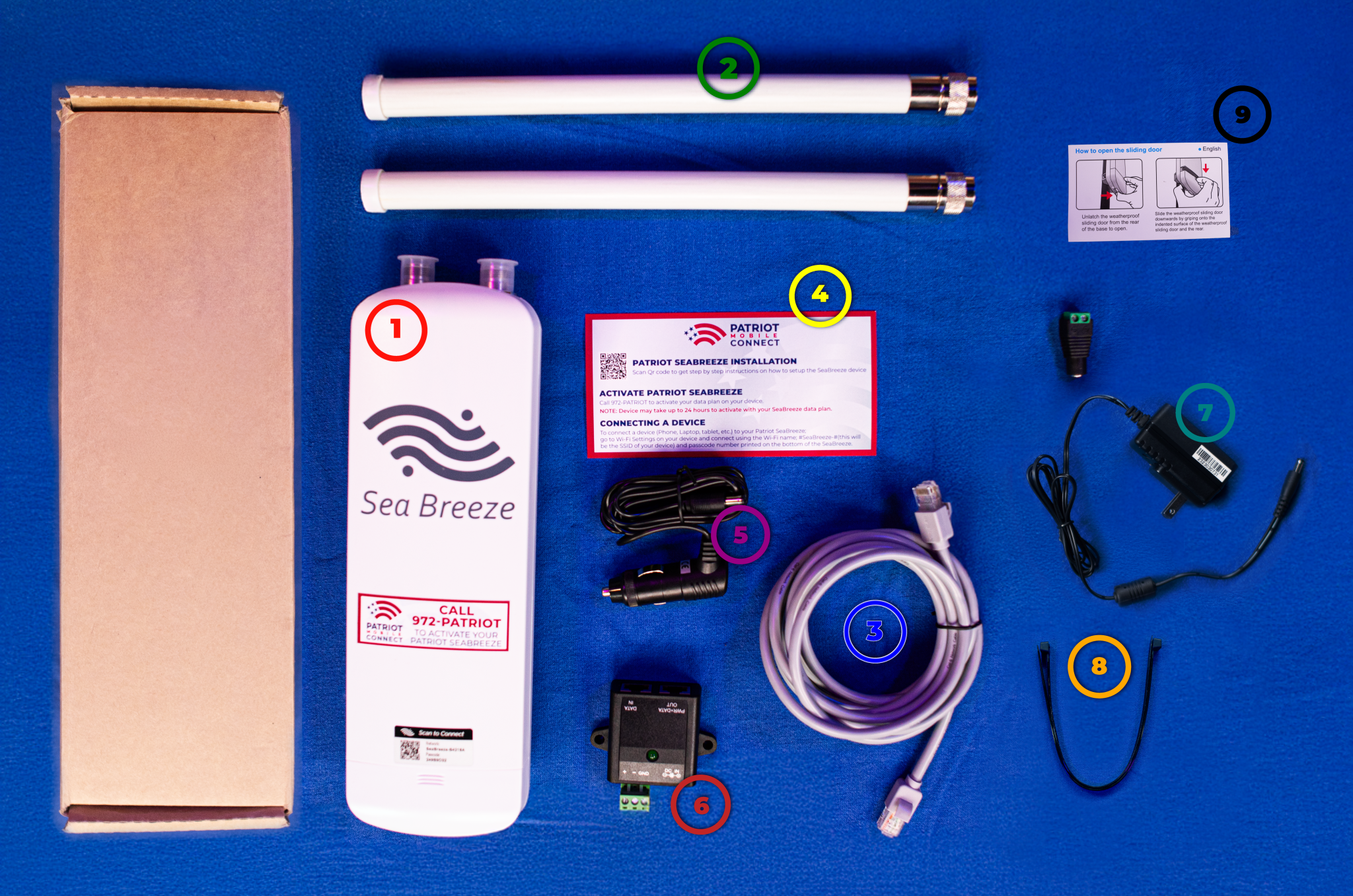
Inside the Patriot Mobile SeaBreeze box you should find:
1The Patriot Mobile SeaBreeze device
22 external antennas
3An Ethernet Cable
4A Quick Start Guide
5A cigarette lighter adapter
6A POE Injector
7A Wall Adapter
8Zipties
9How To Open The Sliding Door Guide
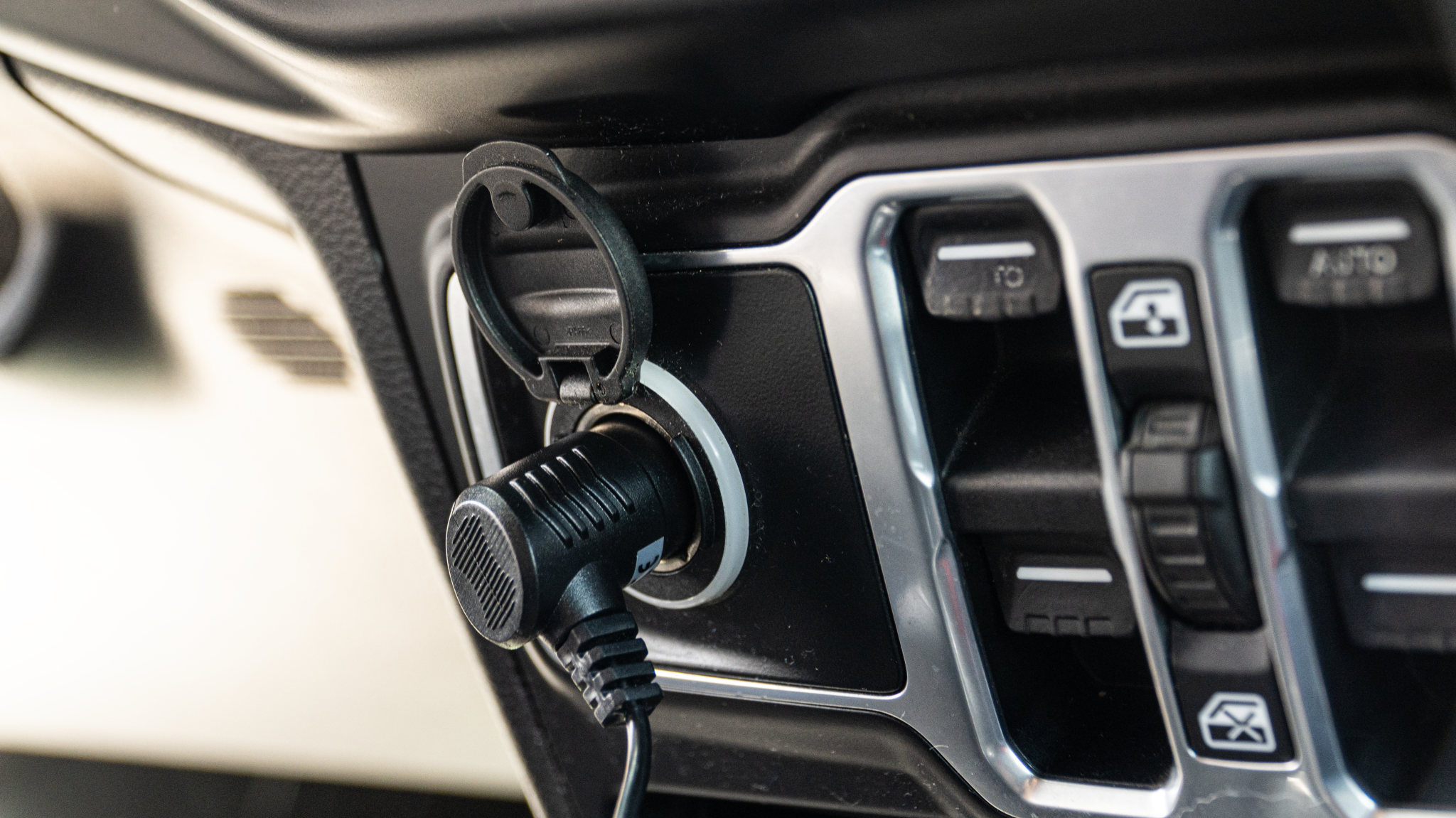
2aPower Supply
Plug in the cigarette lighter adapter into your vehicle's cigarette lighter receptacle.
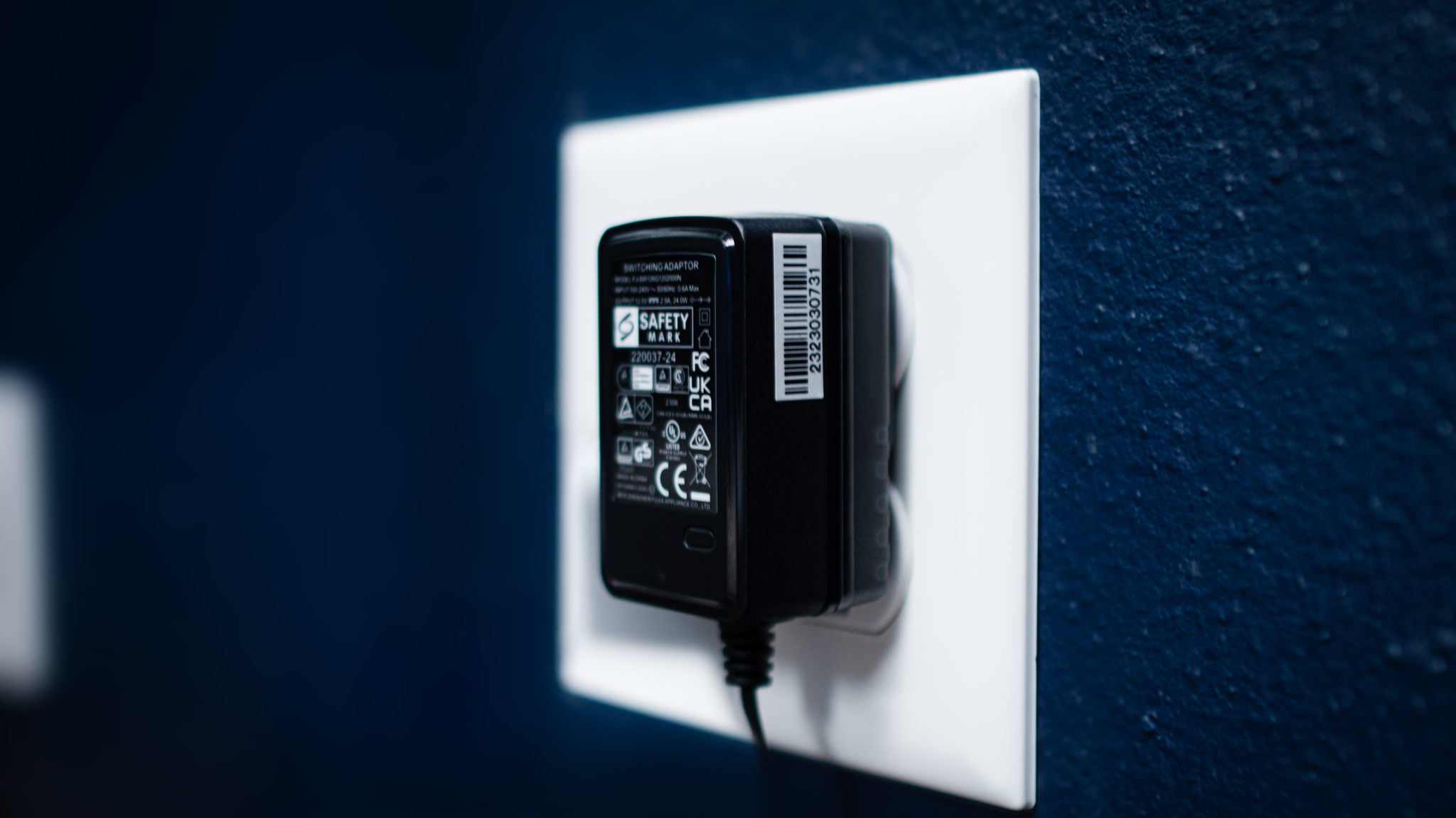
2bPower Supply
Plug in the wall adapter into any nearby outlet.
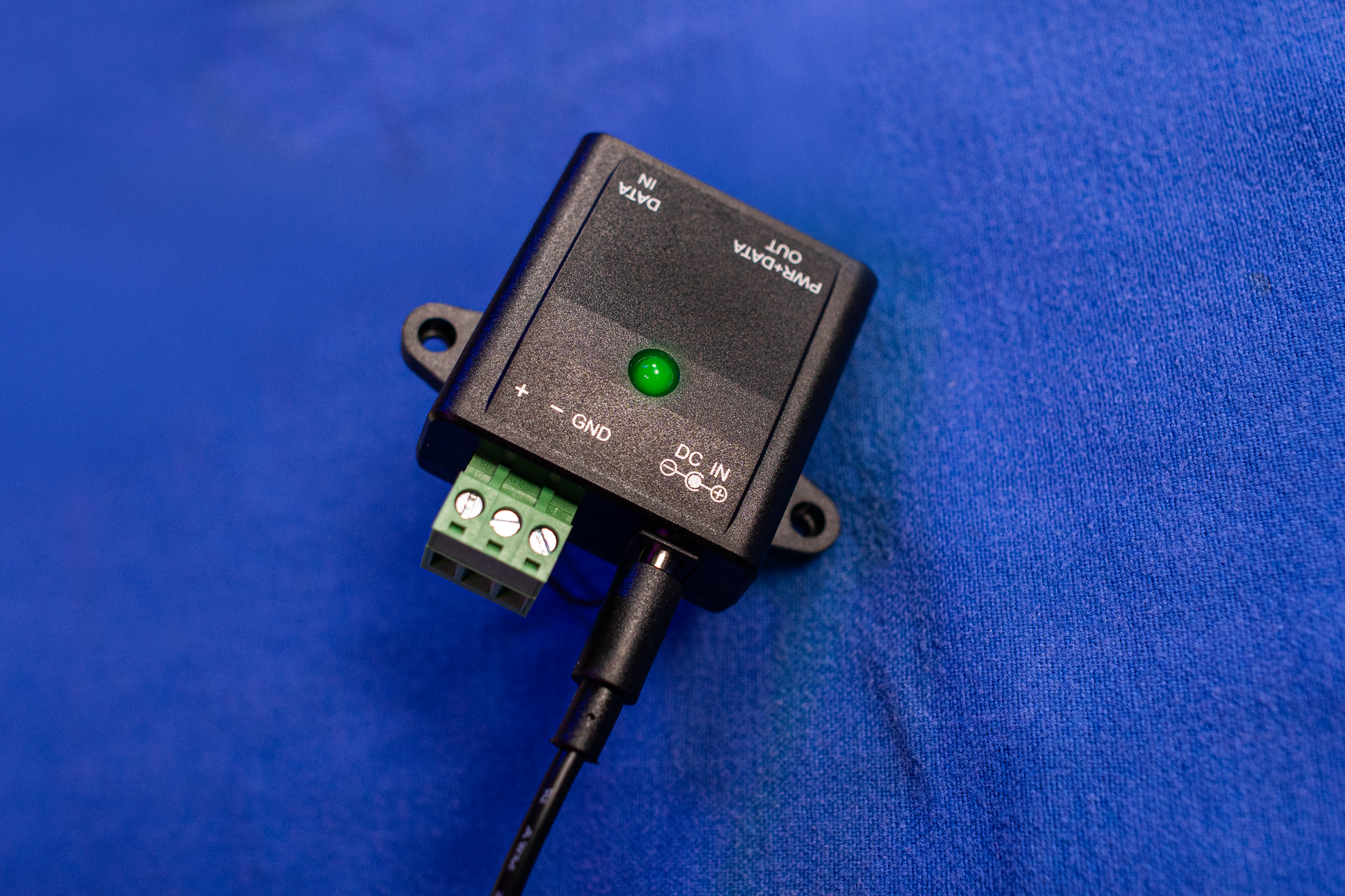
3Providing power to the SeaBreeze After connecting the cigarette power adapter, or wall adapter, to a power source, plug the male end of the adapter into the POE Injector's DC IN slot.
4
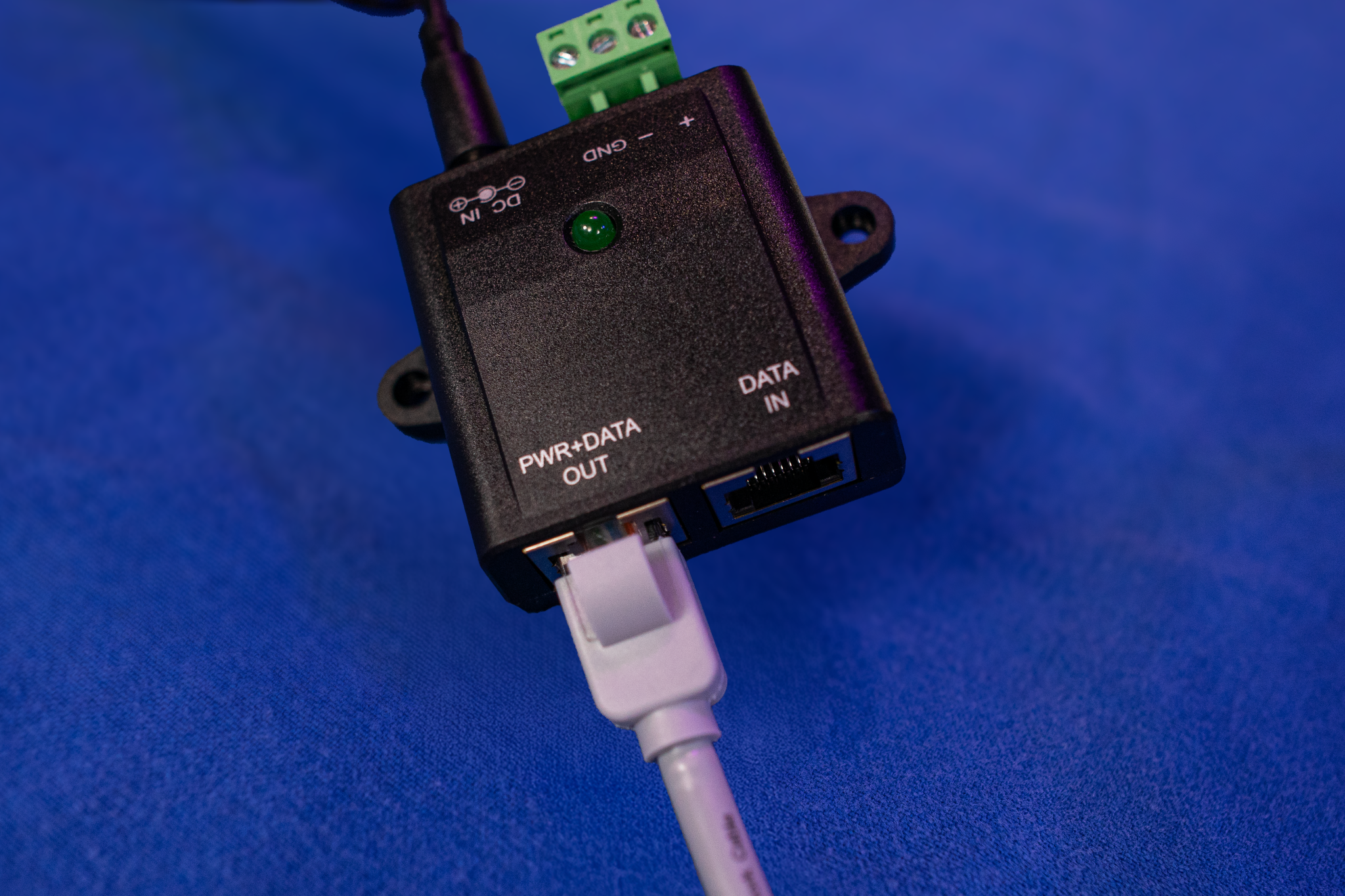
Connecting the Ethernet Cable: Part 1 Connect one end of the Ethernet cable into the POE Injector port labeled PWR+DATA OUT
5
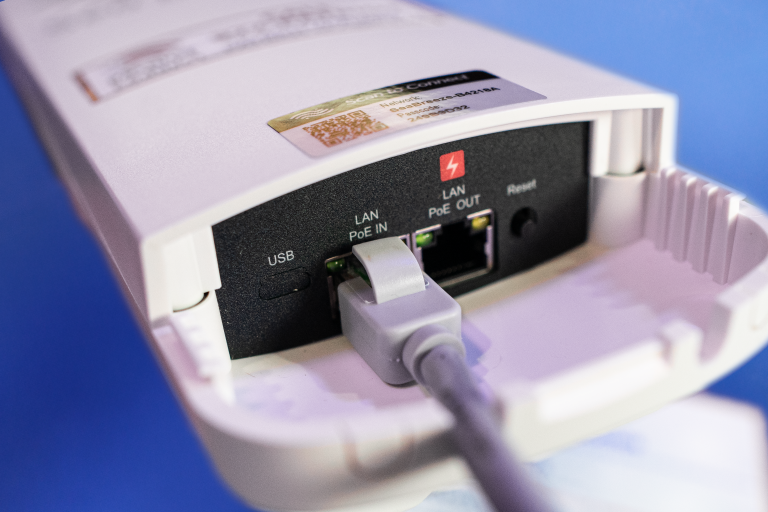
Connecting the Ethernet Cable: Part 2 Connect the remaining end of the Ethernet cable into the SeaBreeze port labeled LAN PoE IN.
6
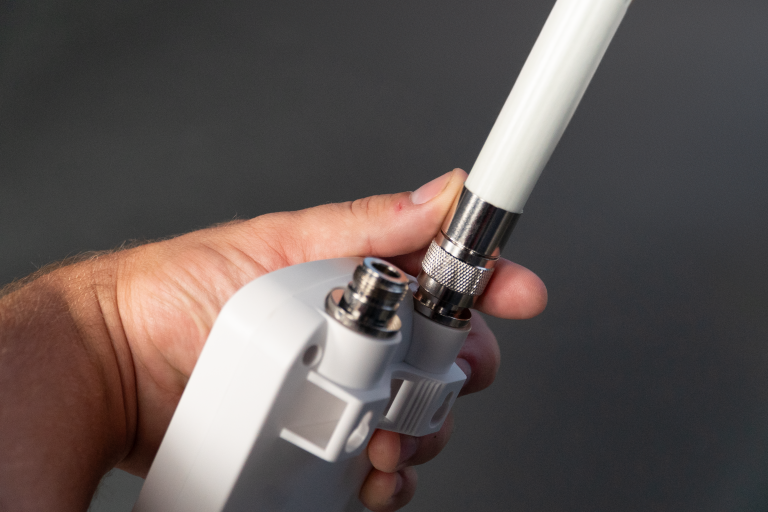
Connect the Antennas Screw both external antennas on to the top of the SeaBreeze device.
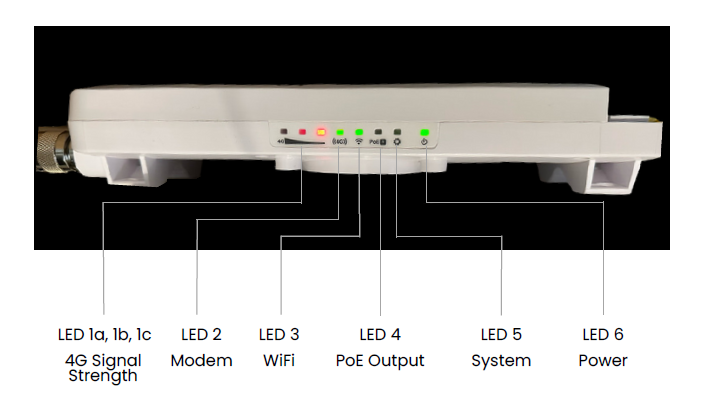
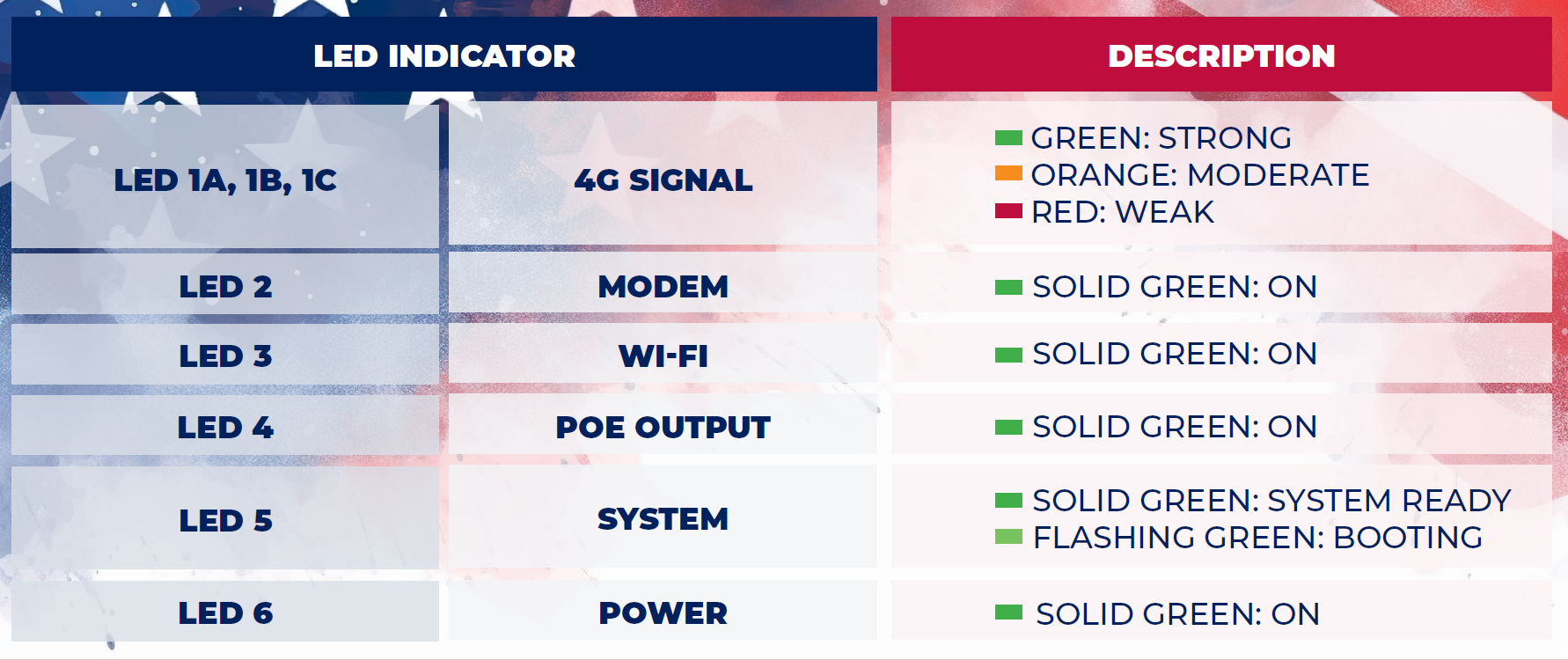
7What do the lights mean? Use the chart below to determine the meaning of each light and color displayed on the Patriot SeaBreeze device